
Case Study
From Physical Servers to Cloud Operation, and Back Again
How Computer Solutions Tested Disaster Recovery for a Manufacturing Business
A planned hurricane recovery exercise demonstrated how a business could run its servers in the cloud, connect from an alternate location, and return to physical equipment.
Download the Case Study (PDF) Request a Disaster Recovery Assessment
Client profile
Manufacturing company
Team size
More than 50 employees and contractors
Scale
Monthly revenue exceeding $1.5 million
For a business that depends on onsite servers, a hurricane can create a problem that lasts well beyond the storm. Even when backup data is safe, employees still need access to working systems, and the building that housed those systems may remain unavailable.
Computer Solutions, Inc. conducted a disaster recovery exercise for a manufacturing business to test that scenario. The project moved critical servers into a temporary cloud environment, established secure access from an alternate location, and continued through several weeks of cloud operation before returning the servers to a physical host.
This was a controlled simulation. The customer's location was not destroyed by a hurricane.
The Challenge: Keep Working Without the Original Server Location
The business's environment included a physical Hyper-V host running a domain server and a file server. Together, those systems supported network authentication and access to shared business files.
The exercise assumed that the original server location was unavailable. Recovering individual documents would not be enough. The goal was to restore the server environment and establish a way for employees to reach it from another location.
The project needed to answer four practical questions:
- Could the protected servers be brought online in the cloud?
- Could an alternate location securely access the recovered environment?
- Could the environment be maintained and backed up during temporary operation?
- Could the servers be returned to physical equipment afterward?
Phase One: Bring the Servers Online in the Cloud
Using its cloud recovery platform, Computer Solutions recovered the domain and file servers into a cloud-hosted virtual office environment.
Bringing the virtual machines online was one part of the process. Network settings, DNS, and the relationships between servers also needed attention so the recovered systems could communicate correctly.
The original server instances were kept offline during the transition to avoid conflicts with their recovered counterparts.
The focus was a usable environment: servers that could support business access from outside the original location.

An alternate workspace for coordinating business continuity. Illustrative image.
Phase Two: Connect an Alternate Location
Computer Solutions configured a secure site-to-site VPN between a UniFi gateway at the alternate location and the cloud recovery environment.
This connection provided a path to the recovered servers without exposing ordinary server access directly to the public internet.
The work included configuring the VPN, resolving connectivity restrictions, and adjusting network and DNS settings to support access to the cloud environment.
This phase demonstrated an essential part of recovery planning: having working servers is only useful when the people who need them can connect.
Phase Three: Operate Beyond the Initial Recovery
The servers remained in the cloud for several weeks.
That extended period allowed the project to move beyond a brief startup test and examine the practical work of maintaining a temporary environment. Computer Solutions reviewed connectivity, server operation, and backup behavior while preparing for the eventual return to physical equipment.
The exercise also surfaced issues requiring troubleshooting. Those findings reinforced the importance of checking protection and service health throughout cloud operation, rather than assuming that a successful recovery completes the job.
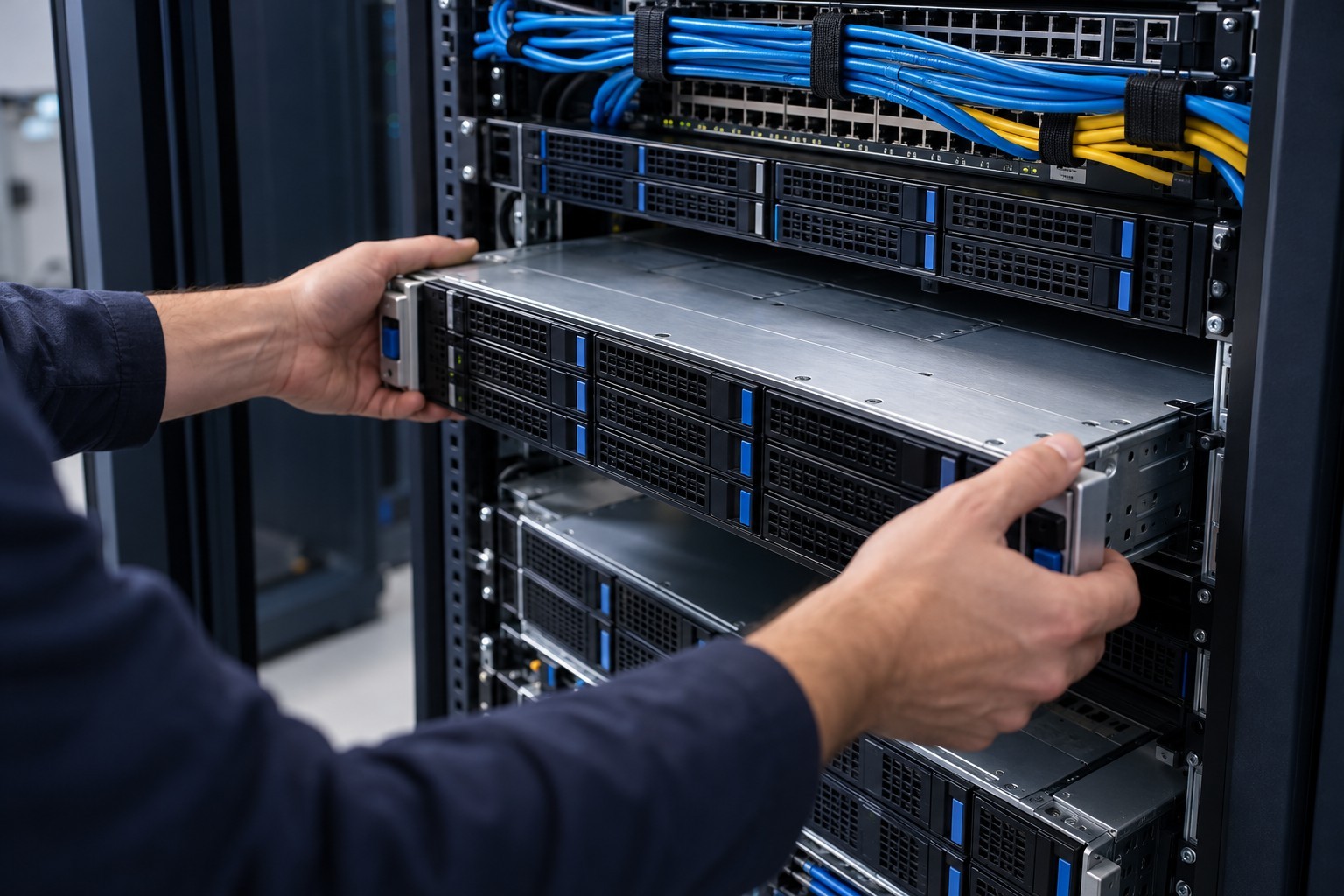
Server restoration and preparation of replacement infrastructure. Illustrative image.
Phase Four: Return to Physical Servers
Once the cloud operating period was complete, Computer Solutions recovered the server environment back to a physical Hyper-V host.
The return required attention to virtual machine configuration, storage, network adapters, and static IP settings. Moving a server between environments can change how its virtual hardware is recognized, making configuration checks an important part of the transition.
After bringing the servers online, Computer Solutions checked Active Directory, DNS, and access to shared resources as part of validating the restored environment.
What the Exercise Demonstrated
The project completed the full recovery cycle:
- Cloud recovery: Domain and file servers were brought online outside the original physical environment.
- Alternate-location connectivity: A secure VPN connected the alternate location to the recovered systems.
- Extended cloud operation: The environment operated in the cloud for several weeks.
- Return to physical equipment: The servers were recovered to a physical Hyper-V host and underwent service checks.
These results demonstrate the recovery approach used in this environment. Recovery times and outcomes for another business would depend on its systems, backup condition, connectivity, and preparation.
Results of the Recovery Exercise
| Measure | Result in this exercise |
|---|---|
| Initial cloud activation | Under one hour, including configuration and initial verification |
| Alternate location access | Secure VPN connection to recovered domain and file services |
| Extended cloud operation | Several weeks of active operation while onsite recovery was prepared |
| Recovery complications | Cloud backup interruption resolved; disk verification and file repairs performed |
| Replacement equipment | Two virtual servers recovered to dissimilar physical Hyper-V hardware |
| Return to normal operation | Original network configuration restored and workstation access verified |
| Customer impact | Planned downtime used to avoid interrupting normal customer operations |
Timings and outcomes reflect this environment and are not a universal recovery guarantee.
What This Means for Your Business
A disaster recovery plan needs to account for more than the backup itself.
It should identify where recovered systems will run, how employees will connect, how those systems will remain protected, and how the business will transition out of temporary operation.
For coastal businesses, those questions matter even when equipment survives a storm. Loss of building access, power, or internet service can still interrupt normal operations.
Testing provides an opportunity to discover those dependencies before an emergency.
To compare levels of protection and responsibility, see our backup and recovery plans.
Could Your Business Work From Another Location?
If your physical servers or office became unavailable, would your team know what to do next?
Computer Solutions can help you evaluate your current backups, critical systems, and recovery options.
Request a Disaster Recovery Assessment Explore Our Business Backup and Disaster Recovery Services
Download the Case Study
Prefer to read this case study as a presentation? Download the PDF version to share with your team or board.
Cloud Disaster Recovery Case Study
Computer Solutions, Inc. Serving Savannah and surrounding communities.
This case describes a controlled disaster simulation with actual recovery work. Photos are AI-generated illustrations and do not depict the customer's facility, equipment, or personnel.